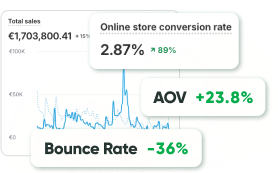
Here is a pattern that plays out constantly among Shopify merchants: traffic goes up, ad spend goes up, and revenue stays roughly where it was. The knee-jerk response is to blame the campaign, swap the creative, try a different channel. But if you look closely at where visitors are actually dropping off, the problem is almost never the ad. It is what happens after the click.
Fixing that is not about finding a better tool. It is about understanding what is actually breaking the experience and addressing those things in an order that makes sense.
The UX Layer Nobody Wants to Audit
Talking about user experience sounds like a design conversation, and a lot of store owners tune out at that point because they assume it means hiring someone to make things look more polished. That is not what it means. UX in an eCommerce context is really just a question of how many unnecessary obstacles exist between a visitor and a completed purchase. The goal is fewer obstacles, not prettier ones.
Product pages that assume the customer already trusts you. First-time visitors come with questions, and if those questions are not answered on the page, they leave. Not to contact support. They just leave. Return window, shipping estimate, whether the sizing runs small, and whether the material is what it looks like in the photo: these are not nice-to-haves. They are the difference between a bounce and a sale on a meaningful percentage of your traffic.
A checkout flow that was set up once and never looked at again. Required account creation before purchase is one of the most studied conversion killers in eCommerce, and it is still showing up on stores in 2026. The coupon code field makes customers stop and wonder if they are missing something. The address form asks for a phone number without explaining why. Each of these is a small thing. Together, they add up to a checkout completion rate that is lower than it should be.
None of this requires AI. It requires looking at the store the way a stranger would.
Where AI Fits In, and Where It Does Not
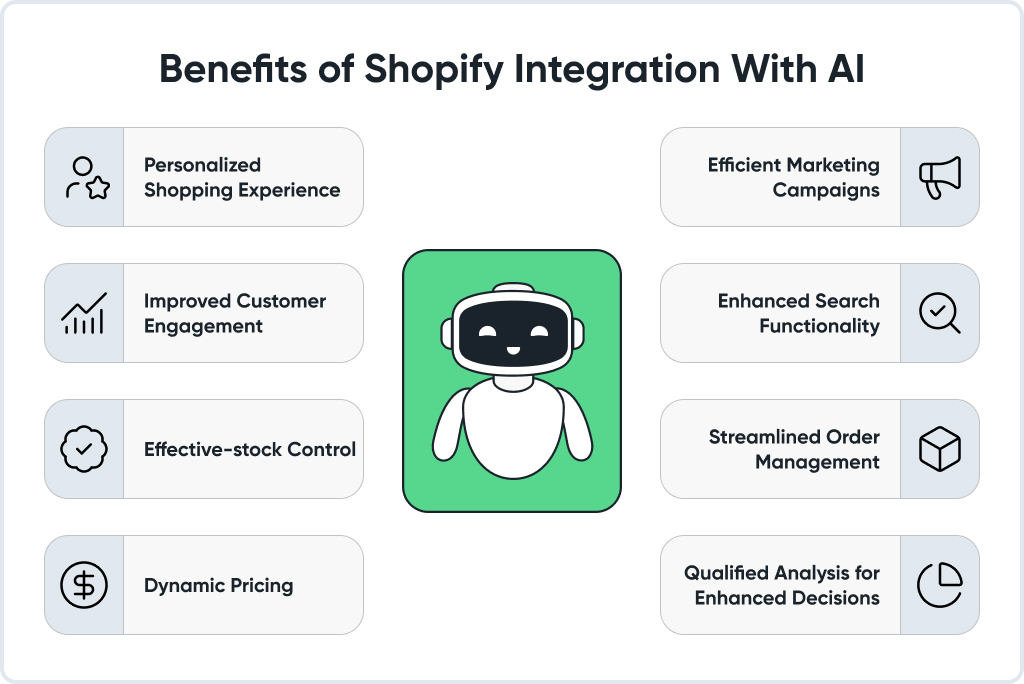
Once the store is working well for people who have never seen it before, AI features start to have actual leverage. Before that point, they are layering complexity on top of a broken process.
On search: the shift Shopify made toward semantic understanding of search queries matters most for stores with wide catalogs and customers who shop by describing rather than naming. A customer typing “something for a small bathroom with not much storage” is not going to get useful results from a system matching keywords. Semantic search handles that kind of query, and the conversion rate difference between a customer who finds what they are looking for versus one who hits a dead end is significant enough to justify treating search quality as a priority metric.
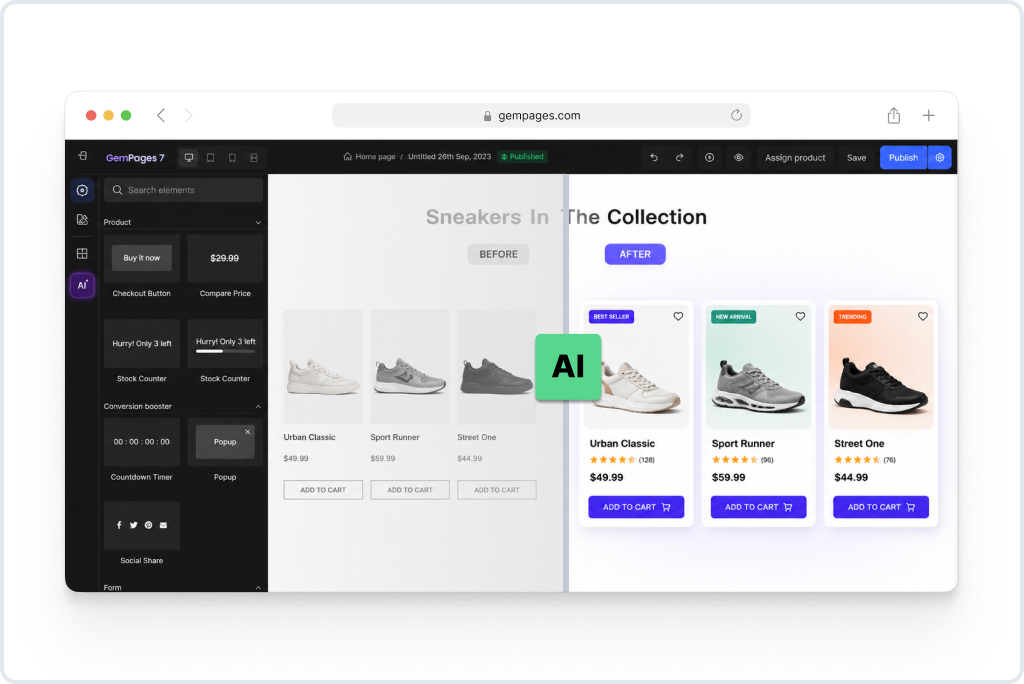
On product recommendations: these work when they are specific and placed where purchase intent is already high. A recommendation shown to someone who has just added something to their cart, for a product that is genuinely related to what they picked, is useful. A homepage carousel showing products someone browsed on a previous visit, presented to someone who came back for a different reason entirely, is not. The failure mode is treating recommendations as decoration rather than as a decision that needs to be made deliberately.
On personalization more broadly: the stores that see real results from AI personalization are the ones where the underlying data is actually meaningful. A customer with eight purchases over two years gives the system something to work with. A first-time visitor who looked at three pages gives it almost nothing. The mistake is applying the same personalization logic to both and wondering why the results are inconsistent.
Automation: What Is Worth Automating and What Is Not
A list of things that are genuinely good candidates for automation in a Shopify store:
- Inventory threshold alerts that fire before a stockout happens rather than after
- Pausing active ad campaigns automatically when a promoted product goes to zero stock
- Customer segmentation tags are applied based on purchase behavior rather than manual review
- Post-purchase email sequences that branch based on what was actually bought, not just that a purchase occurred
- Flagging orders that match patterns associated with fraud or returns for human review
A list of things that look automatable but consistently cause problems when they are:
- Responding to customer complaints or requests for exceptions to policy
- Deciding which products to promote during a sale based on margin calculations alone
- Any communication to a customer who has had a negative experience, regardless of how templated the situation looks
The distinction is not about complexity. Some mechanically simple decisions involve enough context-dependence that getting them wrong costs more than the time saved by automating them. Some genuinely complex decisions are mechanical enough that automation handles them reliably.
Shopify Flow covers the first category well in its current state. The behavioral triggers available now are sophisticated enough to handle most of what a store at serious volume needs without custom development. What it cannot do is read a situation.
The Kitchen Restock case study shows what happens when automation is applied to the right decisions in the right sequence: less manual overhead, fewer stockouts, and a post-purchase experience that feels more considered than it is expensive to run.
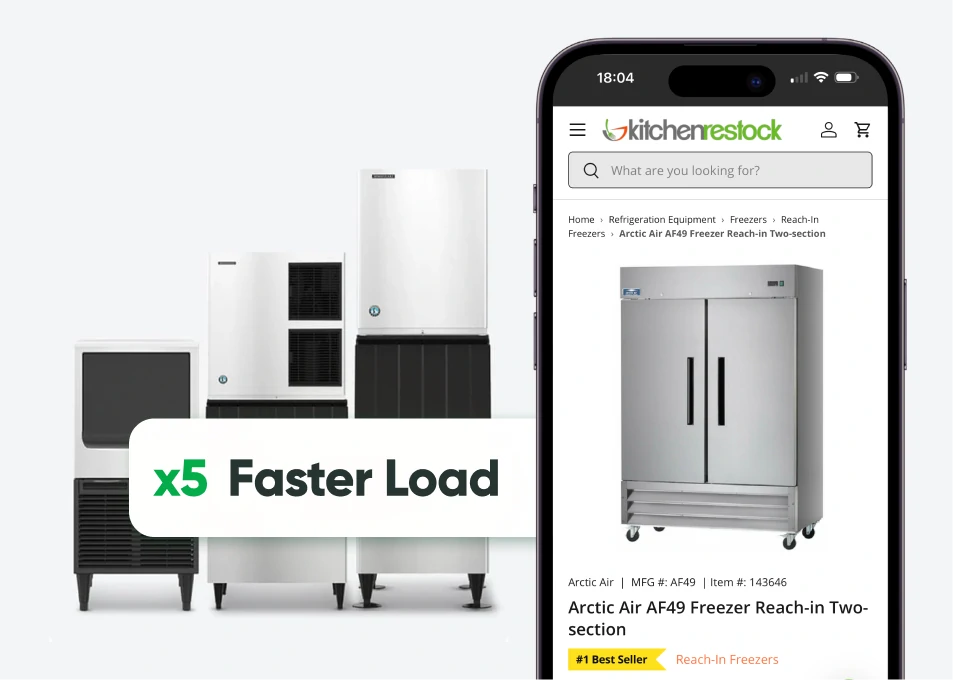
- +25% Less bounces
- +30% More avg duration
- +66% More page views
A Note on Sequence
One of the more common mistakes in this space is running these changes in parallel rather than in order. A store that improves its AI recommendations, sets up automation workflows, and redesigns its product pages simultaneously will have a genuinely difficult time understanding which change produced which result. More importantly, it will probably underinvest in UX because AI features feel more exciting and automation feels more scalable.
The sequence that tends to produce the most consistent results:
First, fix the things that are breaking the experience for people who do not know the store. Navigation, product pages, checkout. This does not require tools. It requires looking at session recordings and funnel drop-off data with some honest attention.
Second, once conversion is improving on the fundamentals, configure AI features against the data that now reflects a higher-quality sample of customers who actually completed purchases. Search, recommendations, and personalization all work better when the underlying behavioral data is not skewed by high drop-off at obvious friction points.
Third, build automation workflows around the events that matter: post-purchase, inventory management, and segmentation. By this point, the store is generating cleaner data, and the automation has something reliable to work with.
What the Numbers Should Show
Tracking the right metrics matters as much as doing the right work. A few that are actually informative:
The gap between add-to-cart rate and checkout completion rate is the most direct indicator of checkout friction. If people are adding items but not buying, something is happening between those two points that is worth investigating before anything else.
Conversion rate broken out by traffic source separates what the store is doing from what the marketing is doing. Improvements to UX and product pages should show up in organic and direct traffic before they show up in paid traffic, because intent is more consistent in those channels.
Revenue per session on pages where AI recommendations are active tells you whether the recommendations are actually influencing purchase decisions or being ignored. If there is no difference between sessions with and without recommendations visible, the recommendations are not doing the job they are supposed to do.
Ninety-day repeat purchase rate is the metric that takes the longest to move but says the most about whether the store is building something durable. A store with a strong repeat purchase rate has customers who had an experience worth returning for. A store with a weak repeat purchase rate is effectively reacquiring its customer base on a continuous basis, which is expensive in ways that do not always show up obviously in the monthly numbers.
For Stores at Different Stages
Under $500k annually: the highest-return work is almost always on the fundamentals. Product pages and checkout have more impact than AI tools at this stage because the data volume is not yet high enough for AI to produce meaningfully differentiated outputs. Spend time in session recordings before spending time in any AI configuration panel.
Between $500k and $2M: this is typically where automation starts to justify its setup time. Manual segmentation and post-purchase management at this volume is genuinely burdensome, and Flow handles most of it well. Semantic search and basic recommendation AI are also starting to have enough data to be useful rather than speculative.
Above $2M: the question at this scale is usually not which tools to add but whether the existing tools are integrated cleanly and whether the data flowing between them is reliable. An audit of what is actually happening inside the current stack tends to surface more opportunities than any new capability would. This is also where bad tagging, inconsistent product data, and poorly defined customer segments become expensive rather than just messy.
GoMage’s Shopify services cover exactly this kind of diagnostic work, from identifying where UX is costing conversions through to configuring AI and automation in a way that fits where the store actually is rather than where a vendor’s sales pitch assumes it is.
FAQ
It moves revenue in specific and measurable ways. The clearest example is checkout: reducing unnecessary steps or removing required account creation typically shows up in checkout completion rate within a few weeks. Product page improvements show up in the add-to-cart rate. Neither of these requires AI or automation. There are changes to how information is presented and how many decisions a customer has to make.
Turning features on and configuring them for your store are different things. Shopify’s default recommendation settings, for example, are not tuned to your catalog’s specific relationships between products. Whether default configurations are sufficient depends on your catalog size and how much variance there is in what customers buy together. For stores with more than a few hundred SKUs, spending time on configuration almost always produces better results than defaults.
The simplest test is to periodically go through your automation workflows and look at what they have actually triggered in the past thirty days. Not whether they ran, but what they sent or changed, and whether that action made sense in context. Automations set up during a different period of the business often continue running after the conditions that made them appropriate have changed.
No, and in some ways it is easier than starting from scratch because you have behavioral data showing exactly where people are dropping off. A store that has been live for two years and has not looked carefully at its funnel data is almost certainly carrying fixable friction that accumulated gradually and was never addressed because no single change was dramatic enough to notice on its own.
Applying personalization logic to customers who do not have enough purchase history for it to produce useful outputs. A first-time visitor with one session’s worth of data is not a meaningful personalization target. Treating them as one produces recommendations that are essentially random and trains the merchant to think personalization does not work, when the actual problem is that it was applied too early in the customer relationship.
For stores with existing purchase history, meaningful recommendation data usually starts showing up within four to six weeks of properly configured features being active. For stores that are earlier in their history or have just migrated platforms, it takes longer because the system needs purchase co-occurrence data to identify which product relationships are real. Expecting results in the first two weeks is usually unrealistic.