Artificial intelligence used to belong mostly in labs and research papers. Now it plays a real role in daily work. Developers especially notice how their tools are changing. They are faster, more helpful, and often smarter than what we had just a few years ago.
A McKinsey report from 2024 says around 72 percent of companies use AI in at least one part of their business. That number was only 50 percent two years earlier. The growth speaks for itself.
For developers, this shift brings practical benefits. Tasks that once took hours can be handled in minutes. Code reviews, testing, and even design suggestions feel more efficient. These tools give developers more space to focus on what matters most such as solving problems and creating value.
Next we will look at some of the most useful AI tools and frameworks for developers in 2025 and how they are shaping the way software gets built.
How Developers Use AI Tools in Practice
AI now supports real, everyday tasks for many developers. It fits naturally into the workflow and helps teams move faster without cutting corners.
Here are a few of the most common ways developers apply AI today:
- Faster code writing
AI assistants suggest code snippets and solutions as you type, reducing the need to search for examples or write from scratch. - Bug detection and testing
AI-powered testing tools help identify issues early, often before they reach production. This improves reliability and saves time on manual QA. - Better structure and readability
Some tools offer recommendations for improving code clarity and reducing complexity, which helps with long-term maintenance. - Workflow automation
AI helps automate repetitive tasks like documentation, formatting, and basic refactoring, allowing teams to focus on what actually matters. - Smarter features in apps
Developers use language models and vision tools to build interfaces that can understand user input, respond in natural language, or personalize content.
Each of these use cases shows how AI is becoming a practical tool, not just a theoretical concept. Developers are learning by doing, and that’s where the real impact begins.
Top AI Tools and Frameworks for Developers in 2025
AI tools have moved beyond novelty status in software development. Developers use them to write code more efficiently, run thorough tests, build intelligent features, and manage complex workflows. Below is an overview of tools that have established themselves in professional development environments.
Coding Assistants for Daily Development
- GitHub Copilot
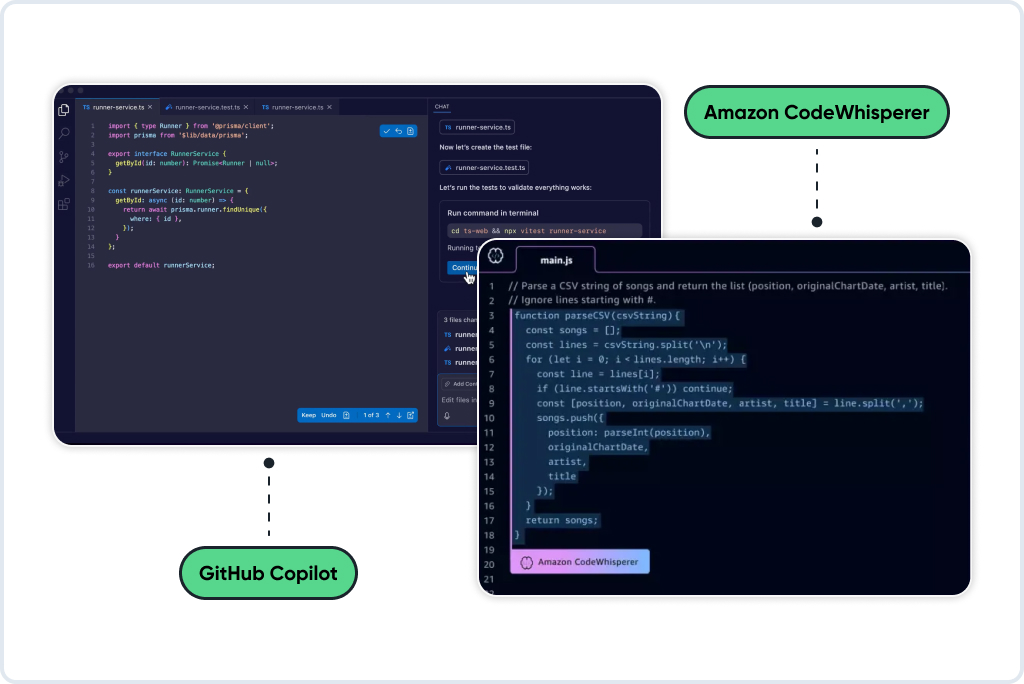
Many developers have integrated this tool into their standard workflow. It integrates into IDEs like VS Code and offers real-time suggestions as you type. Sometimes it completes logic, other times it helps avoid repeating the same function. It works well with Python and JavaScript. Copilot can also review code from repositories, making it helpful for both live coding and working with existing branches. A lighter alternative is Bito. It offers similar suggestions and works well for quick documentation or smaller tasks.
- Amazon CodeWhisperer
Developers working within AWS infrastructure often turn to CodeWhisperer. It offers similar autocomplete functionality to Copilot but with a deeper understanding of cloud architecture. It recognizes IAM roles, serverless configurations, and infrastructure patterns. For cloud-based projects, this tool can maintain development momentum.
Frameworks for Machine Learning Development
- PyTorch
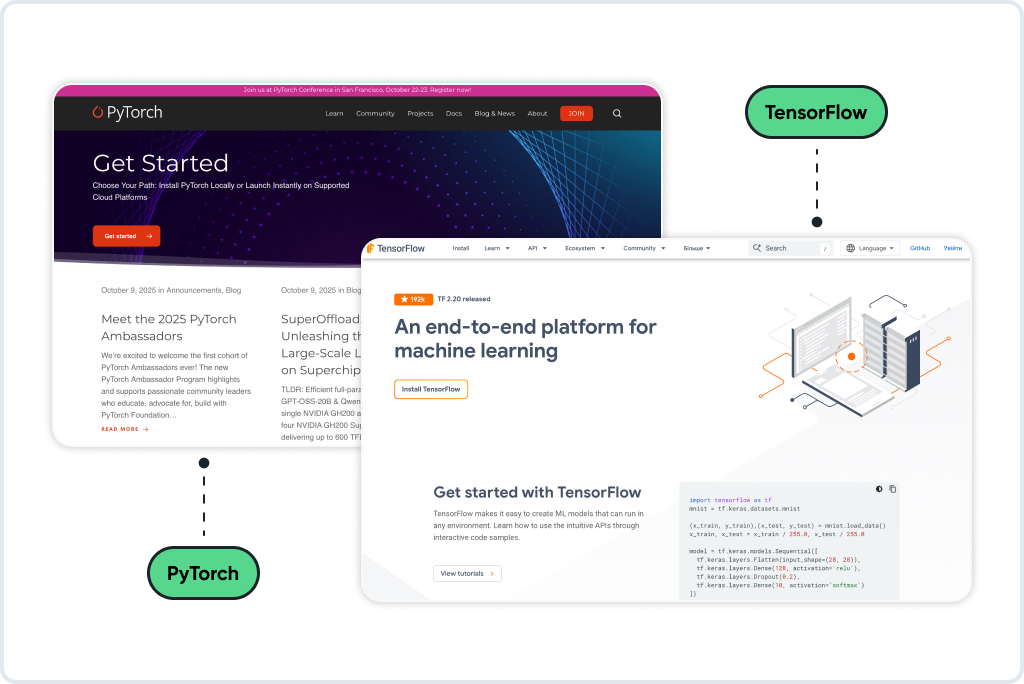
Many developers choose PyTorch when beginning a new machine learning project. The framework offers flexibility with minimal initial setup. You can build custom models and run experiments without extensive configuration overhead. For research and early-stage development, this remains a popular starting point.
- TensorFlow
TensorFlow provides more structure and comprehensive production capabilities. It supports deployment across web, mobile, and edge computing environments. Teams planning to scale models into production benefit from its stability and robust tooling for long-term maintenance.
Libraries for Natural Language Processing
- Hugging Face
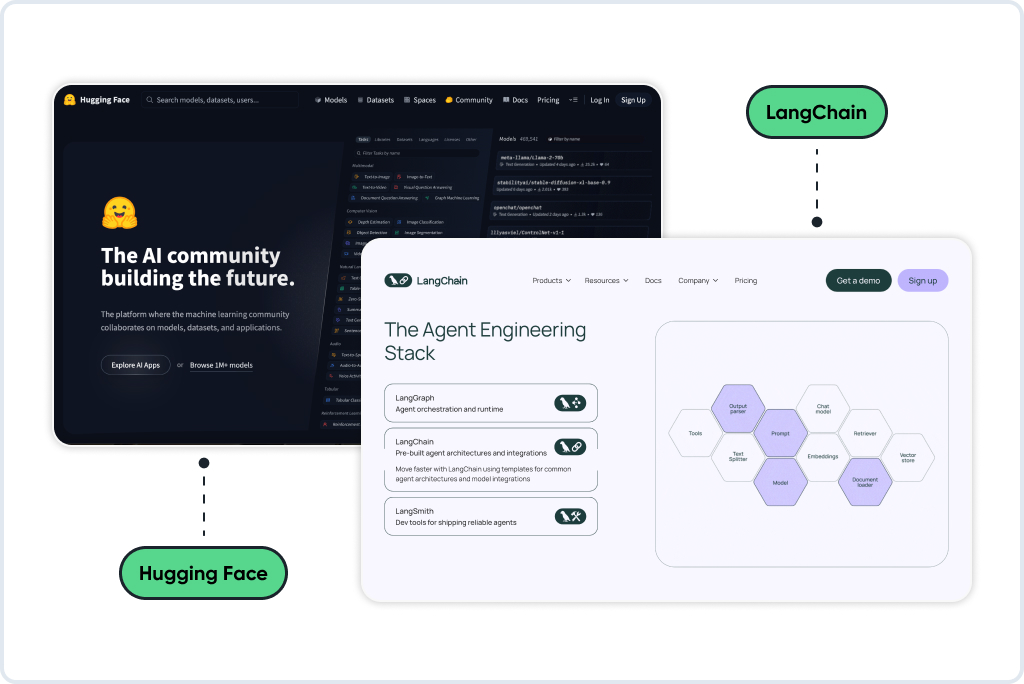
This open-source library has simplified text model integration considerably. Developers can implement pre-trained models for translation, summarization, or sentiment analysis with minimal code. It works with both PyTorch and TensorFlow and benefits from an active community. Teams often use it for rapid prototyping or adding language capabilities to existing products.
- LangChain
LangChain enables building systems where language models interact with external resources. It connects models to tools, databases, APIs, and persistent memory. This becomes valuable when developing assistants that need to execute actions, follow conditional logic, or query structured data. While still maturing, it has gained adoption in production environments.
Platforms for Experiment Management and Deployment
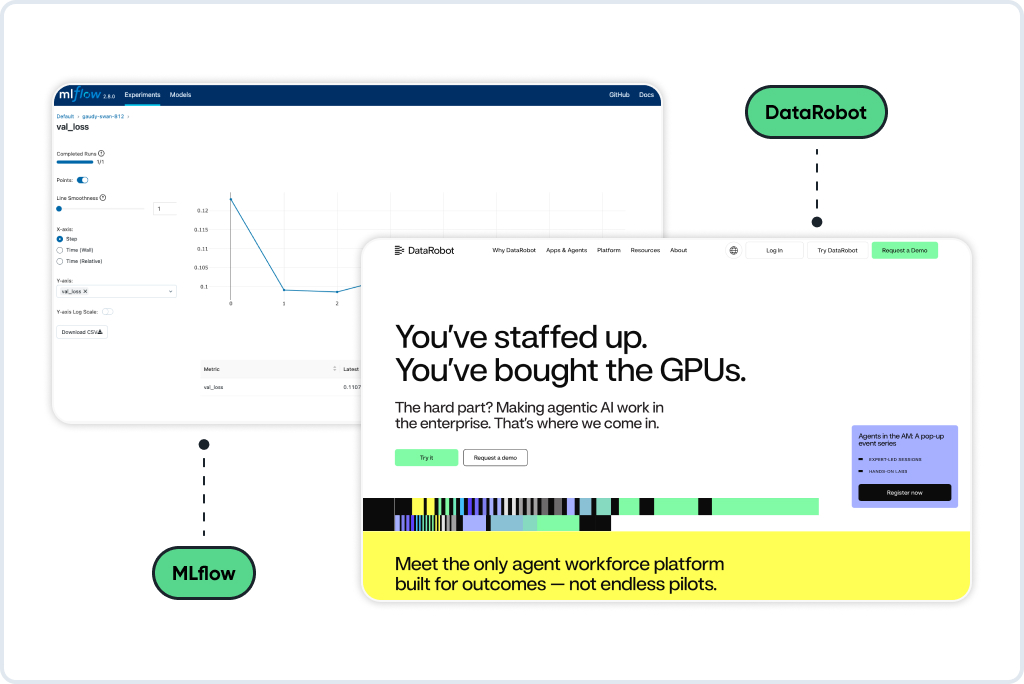
- MLflow
Machine learning projects generate substantial complexity quickly. MLflow provides systematic tracking of training runs, performance metrics, and associated code. It serves both individual developers and collaborative teams. Rather than managing scattered files and documentation, you maintain organized experiment history and model versioning.
- DataRobot
Enterprise teams with comprehensive AI management needs often adopt this platform. It includes automated training, monitoring infrastructure, and deployment pipelines. Though proprietary, it addresses organizations with rigorous security and scalability requirements.
How to Choose the Right AI Tool for Your Project
Finding the right AI tool does not have to be difficult. What matters is knowing what you are building, what your team is familiar with, and where the tool will live once it is up and running.
Step 1
Start with the Problem
What are you building? Not every tool fits every task. Something that works great for chatbots may be useless for forecasting sales.
Try to answer this: does your project need to work with language, images, structured data, or something else entirely? Once you know that, the options narrow fast.
Let’s say your project needs to summarize long reports. In that case, using Hugging Face or OpenAI’s API makes sense. But if you are building a custom model that learns from internal data, PyTorch or TensorFlow will probably give you more flexibility.
Step 2
Stick to What You Know
If your team writes Python every day, there is no point switching to a tool with a steep learning curve just because it is popular.
Look at what your team already uses. If you are already in the AWS ecosystem, something like CodeWhisperer or SageMaker will plug in easily. For Python-based workflows, tools like PyTorch or MLflow feel more natural and save setup time.
People build faster with tools they understand. You can always explore something new later if the project grows.
Step 3
Think About Where the Tool Will Live
Some tools are easy to test but harder to maintain. Others are more work up front but easier to scale.
If you’re building a demo or early version, using hosted models can speed things up. For example, calling OpenAI through an API means no setup, no infrastructure. That works well when you’re focused on proving the idea.
But when it’s time to go live, you’ll need more control. Tools like TensorFlow or MLflow give you better visibility and versioning for production systems.
Always check whether the tool fits your stack. Does it need a GPU? Can you deploy it without changing your infrastructure? Will other team members need access?
Step 4
Start Simple and Build from There
You do not need a full pipeline on day one. Start with a basic version that works. If you are working with text, try loading a pre-trained model and test it against real input. If it performs well, build on that. If not, you can switch.
Most tools today play well together. You are not locking yourself into anything by starting small.
Getting something working is more valuable than picking the most complex tool on the list.
What to Expect from AI Tools in the Year Ahead
AI development tools for developers are moving fast. A year ago, most teams were just starting to experiment. Now many of those same teams are building full features around language models, training internal assistants, and using AI to support deployment, testing, and customer support.
In 2026, this shift will likely accelerate.One trend we are already seeing is the move from simple tools to connected systems. Instead of using one model in isolation, developers are combining multiple services.
Another shift is happening on the infrastructure side. Teams want more control, not just more power. Developers are starting to run smaller models locally, especially for internal tools. Open-source alternatives to large commercial APIs are gaining ground because they offer privacy and flexibility.
We are also seeing more attention to real-time performance and long-term cost. Hosted services are convenient, but expensive at scale. That is pushing more teams to explore self-hosted options or hybrid setups where heavy tasks run locally while more complex requests go to the cloud only when needed.
Final Thoughts
AI tools keep changing, but what teams actually want hasn’t. They need solutions that solve real problems without making things more complicated. When chosen carefully, AI can streamline workflows, cut down on repetitive work, and help ship better products faster.
At GoMage, we partner with companies looking to use AI in ways that create tangible results. Sometimes that means building AI-powered assistants. Other times it’s integrating language models into eCommerce platforms or developing tools that process real-time data. Whatever the case, we prioritize practical outcomes.
Our team brings technical knowledge alongside an understanding of business requirements. If you’re exploring how AI might fit into your product or development process, we’re here to help you figure out the next move.
FAQ
Most developers we know use a mix of things. Copilot is popular for writing code faster. PyTorch and TensorFlow are used a lot when you need to build models. Hugging Face is a favorite for anything related to text. These are no longer tools for experiments. People use them every day.
PyTorch is easier to play around with. If you’re still shaping your idea, it feels more natural. TensorFlow is more structured and works better when you’re getting serious and need to scale. Some teams start with one and switch later. Both are solid.
Yes, and honestly, that’s how most people start. You don’t need to understand neural networks to use Copilot or call an API from OpenAI. If you know how to work with Python or even just basic HTTP requests, you’re already in the game.
It can be. It saves time on small things. It won’t write a whole app for you, but it helps fill in the gaps. Many developers use it to generate tests, write common patterns, or speed up repetitive parts.
Mostly for working with text. Let’s say you want to summarize content or translate something. There’s probably a model ready for that on Hugging Face. It’s simple to try, and you don’t need to train anything yourself.
MLflow is a popular one. It lets you save experiments, compare results, and keep track of what worked. If you’re trying different setups or tuning models, it helps you stay organized.
Think about what you’re building first. Then consider what your team already knows. The best choice is usually the one that solves your specific problem without forcing you to relearn everything or slow down your process.
Definitely. Most teams start this way. You can build useful things just by using existing APIs or pre-trained models. It’s faster, cheaper, and usually good enough.
Not always. Many tools run just fine locally, especially when you’re testing. If you plan to scale or run something more complex, cloud helps. But you don’t have to start there.
Start with Python if you haven’t already. Then try something simple like using a language model through an API. Build a small project, even if it’s rough. That’s the best way to learn what these tools can do.