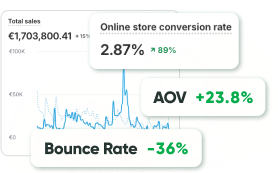
Here’s a truth most brands don’t want to admit: you’re probably losing customers every single day, not because of price, not because of competitors, but because your site or app is simply too hard to use.
Ever landed on a page with tiny gray text on a white background?
Or tried to check out on mobile only to get stuck because the form fields weren’t labeled properly?
That frustration you felt?
For millions of people, that’s every browsing session.
Accessibility in web design (user interface and user experience, UI/UX) and Web Content Accessibility Guidelines (WCAG) compliance in UX are not about ticking off compliance checklists or adding alt text because someone told you to. So let’s cut through the noise and talk about why accessibility is no longer a “nice to have”.
How Inclusive UI/UX Design Drives Business Growth
Businesses love talking about growth, about more leads, more conversions, and more loyalty. What many forget is that growth doesn’t always come from adding new features or pumping money into ads. Sometimes, it comes from removing the invisible barriers that keep people out.
That’s the core of inclusive user experience. If your platform is only usable for young, tech-fluent, English-speaking users on high-speed connections, then you’ve shut the door on huge groups of potential customers: people with vision impairments, older adults who aren’t digital natives, non native speakers, and someone browsing on a cracked phone with slow Wi Fi. They all matter, and they all deserve a frictionless journey.
When you design with inclusivity in mind, three big things happen:
- You widen your reach so that more people can actually use your product; it sounds obvious, but you’d be surprised how often this gets overlooked.
- You build loyalty because customers notice when a brand makes life easier, not harder, and they remember it too.
- You stand out, and in industries where accessibility is still overlooked, the company that cares earns the edge.
It’s why brands that embrace accessibility in web design see stronger retention, higher conversions, and better reputation. When design works for everyone, it works better for all.
The Business Case for Accessibility
Let’s talk numbers that matter.
The World Health Organization estimates that more than 1.3 billion people live with significant disabilities; that’s one in every six people on the planet. This isn’t a niche demographic. Add to that the growing aging population, many of whom naturally face reduced vision, limited mobility, or decreased dexterity, and it becomes clear: the audience you exclude by neglecting accessibility is enormous.
The results of prioritizing inclusive user experience are also measurable. When major retailers improved their checkout processes to meet WCAG compliance in UX, referring to the Web Content Accessibility Guidelines, cart abandonment rates decreased not only for users with disabilities but across all customer segments. Why does this happen? Clear call-to-action buttons, logically labeled forms, and clutter-free layouts enhance usability for everyone.
This is the core of how inclusive design boosts business. Inclusive design is not an act of charity; it’s a business growth strategy. One that doesn’t just create impact today, but builds value that compounds over time.
Key Principles and Best Practices for Accessible UI/UX
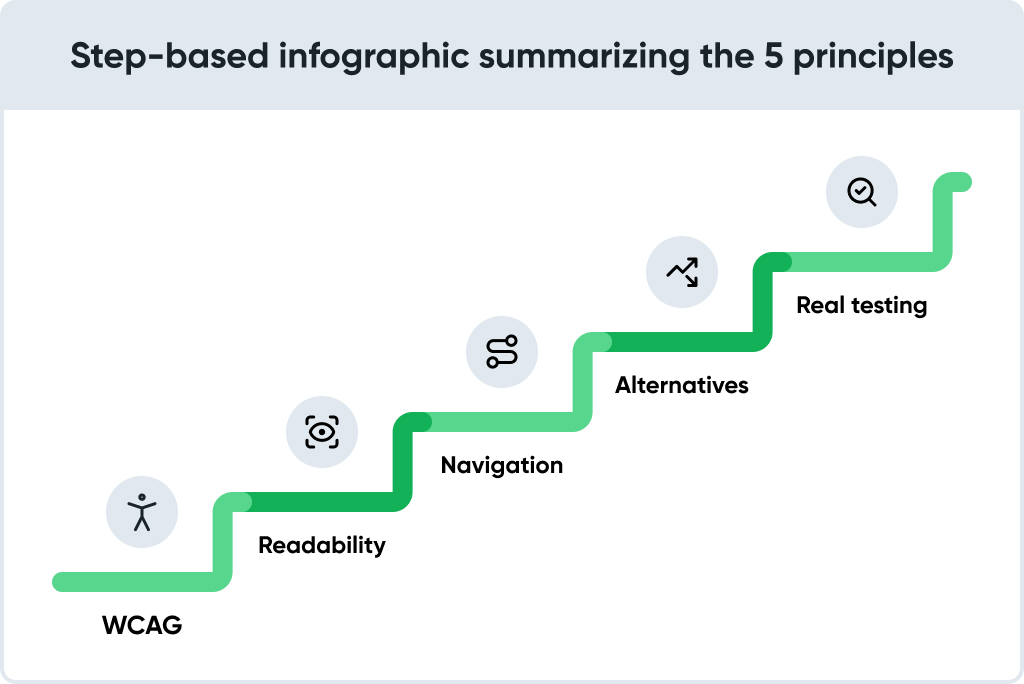
At its essence, accessibility in web design combines empathy with execution. You begin by acknowledging that your users are diverse (in ability, context, and culture) and then build digital experiences that accommodate this reality.
- Follow WCAG Standards
The Web Content Accessibility Guidelines (WCAG) offer a global framework for creating accessible experiences. They cover a wide spectrum, from minimum contrast ratios to keyboard-only navigation. While some teams sigh at the mention of compliance, businesses that truly understand user experience treat implementing WCAG standards as a roadmap for design that works.
Adopting WCAG doesn’t mean your site will appear dull. On the contrary, it means your interface will function seamlessly whether someone is browsing with a mouse, using a screen reader, or relying on voice input. Want to check where you stand? Try running a Lighthouse report in Chrome. If your accessibility score falls below 80, there’s low-hanging fruit ready for optimization.
- Prioritize Readability
Good typography combines visual appeal with usability, ensuring text is easy to read and navigate.
Ask yourself: Can a 55-year-old customer read your product description without having to pinch to zoom? Can someone scan your service page in seconds without being overwhelmed by a wall of text? If not, you’re creating unnecessary friction.
The benefits of accessible UX design start here: the more legible your content is, the longer users stay and engage.
- Offer Flexible Navigation
Accessibility in web design respects individual choice. Some users click and scroll. Others navigate entirely via keyboard. Some issue voice commands through assistive devices.
That’s why labeling every button, link, and input field matters. When someone navigates through your checkout page, the instructions must be clear and intuitive. If they aren’t, the result may be a dropped conversion that could have been prevented.
- Provide Alternatives
Not everyone interacts with content the same way. That’s why features like captions, image alt text, and full transcripts are foundational.
Captions help people with hearing impairments, but they also support parents watching video demos while their child sleeps, or commuters with no headphones. These features don’t serve rare situations, they address real, everyday needs. In practice, accessibility enhancements consistently evolve into universal usability improvements.
- Test with Real People
No automated platform beats human feedback.
Try running a test using a screen reader, such as NVDA (NonVisual Desktop Access). Observe how someone with motor limitations navigates your app or website. You’ll spot issues no checklist could catch. The best part? Fixing those issues almost always improves the experience for everyone else, too.
Beyond Compliance: Designing for Real Human Needs
Here’s where many businesses slip: accessibility often gets reduced to a checklist of color ratios, ARIA tags, and audits. Real inclusivity goes beyond technical requirements and focuses on understanding people.
Picture this: a low-vision user can’t spot the “Add to Cart” button because it blends with the background. A dyslexic customer gives up on your site after facing a dense block of text. An older adult abandons checkout because the form labels are vague.
These issues cause more than frustration, they lead directly to abandoned carts and lost revenue.
An inclusive user experience should be viewed as customer care rather than compliance. Every barrier you remove invites one more person to participate, and one more person to buy.
The Hidden Benefits of Accessible UX
The moral argument for accessibility is undeniable; however, business leaders often seek tangible results. Fortunately, the benefits of accessible UX design extend well beyond ethics and translate into measurable financial gains.
SEO Gains
Search engines reward accessible sites. Alt text improves image indexing, transcripts make audio and video content crawlable, and clean semantic HTML helps Google interpret your pages more effectively. Accessibility in web design works in tandem with search engine optimization (SEO) to enhance visibility and reach.
Faster Performance
Reducing clutter, simplifying code, and streamlining layouts for accessibility naturally enhance page speed, and faster pages consistently lead to higher conversion rates.
Lower Bounce Rates
When users can easily find what they need without squinting, pinching, or guessing, they stay longer. As a result, bounce rates drop, session times increase, and engagement grows.
Stronger Brand Reputation
Today’s consumers care deeply about values. Demonstrating a genuine commitment to inclusion builds trust, differentiates your brand from competitors, and communicates a simple message: everyone belongs here.
The takeaway is straightforward: implementing WCAG standards represents an investment that yields continuous returns through better SEO performance, stronger conversions, and lasting brand equity.
Real Tools and Approaches to Implement Accessibility
The good news? You don’t have to guess. There are plenty of tools that help you spot and fix accessibility gaps:
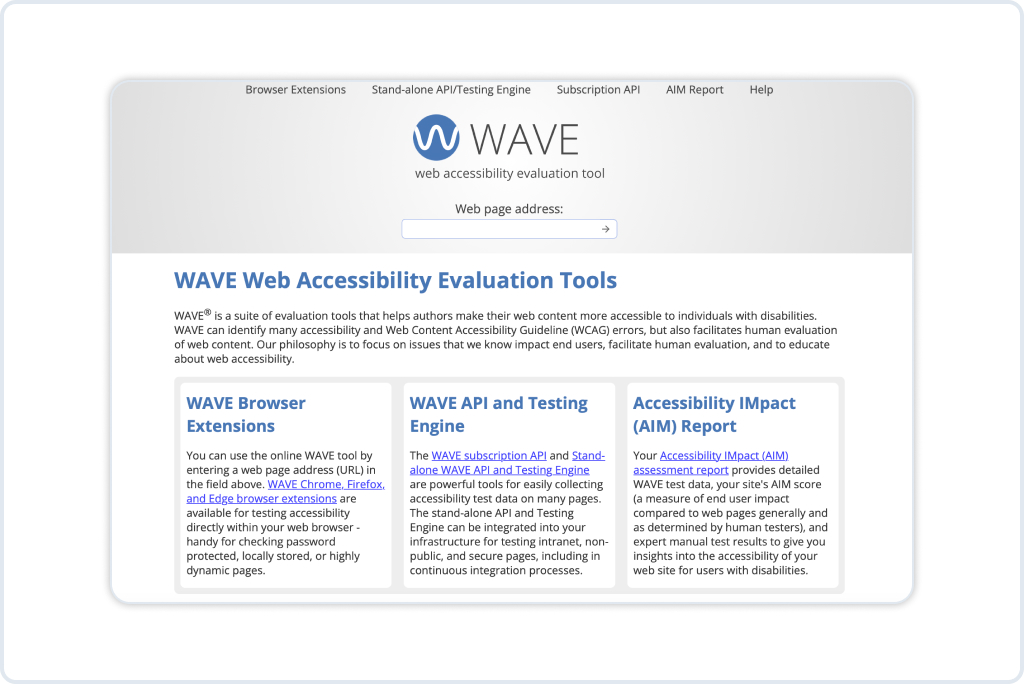
- Wave, Axe, Lighthouse — automated audit tools that instantly detect accessibility issues.
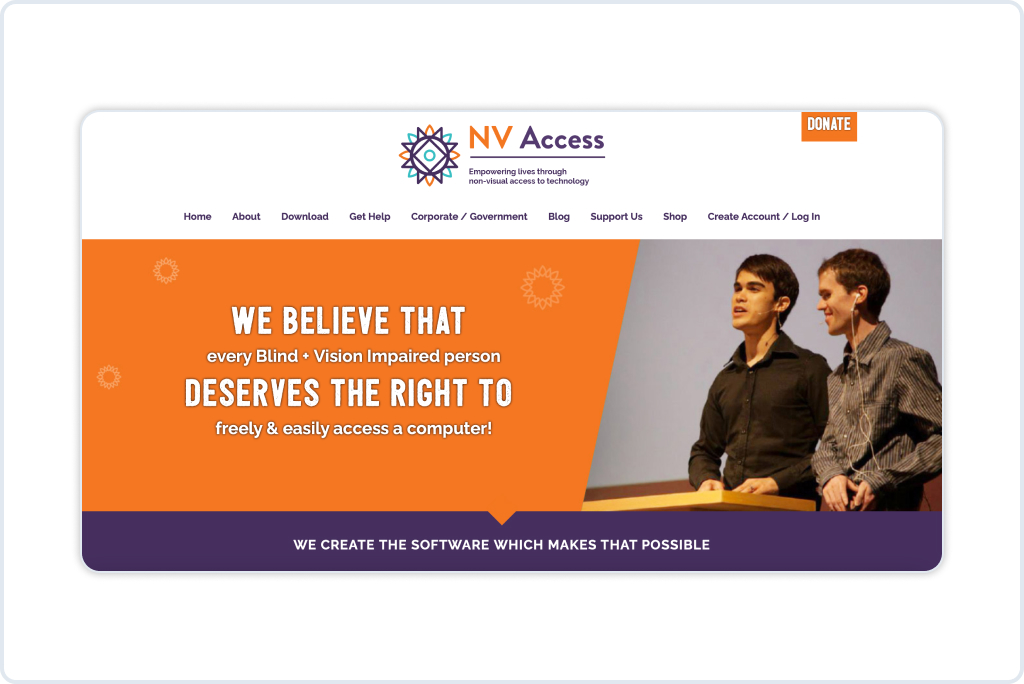
- NVDA or VoiceOver — screen readers that allow you to experience your site through sound.
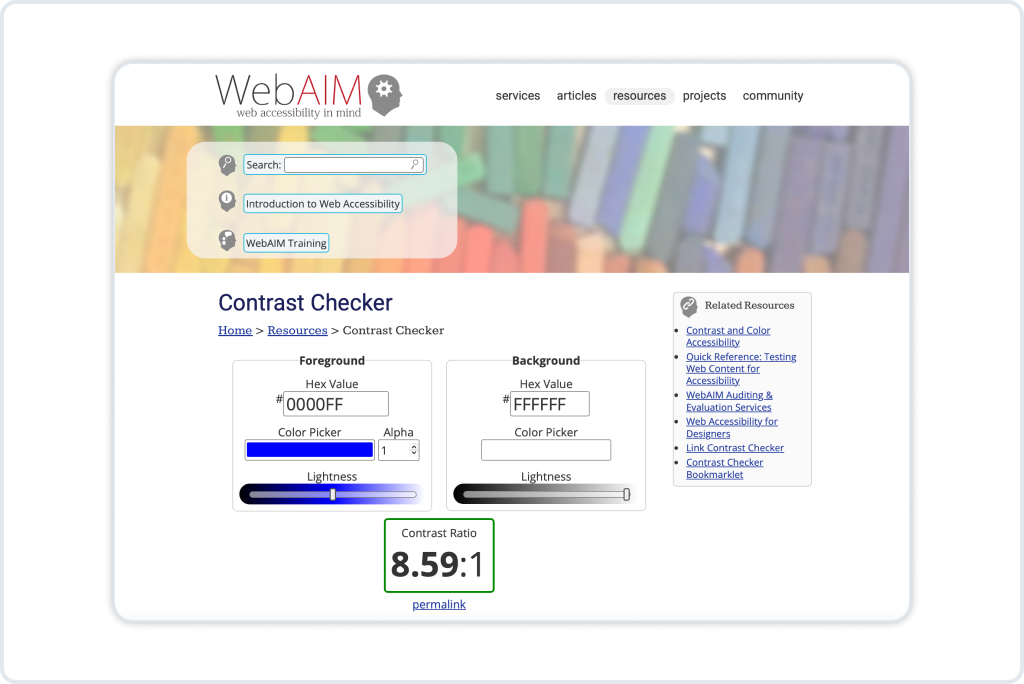
- Color Contrast Analyzers — quick checks that ensure text remains readable against any background.
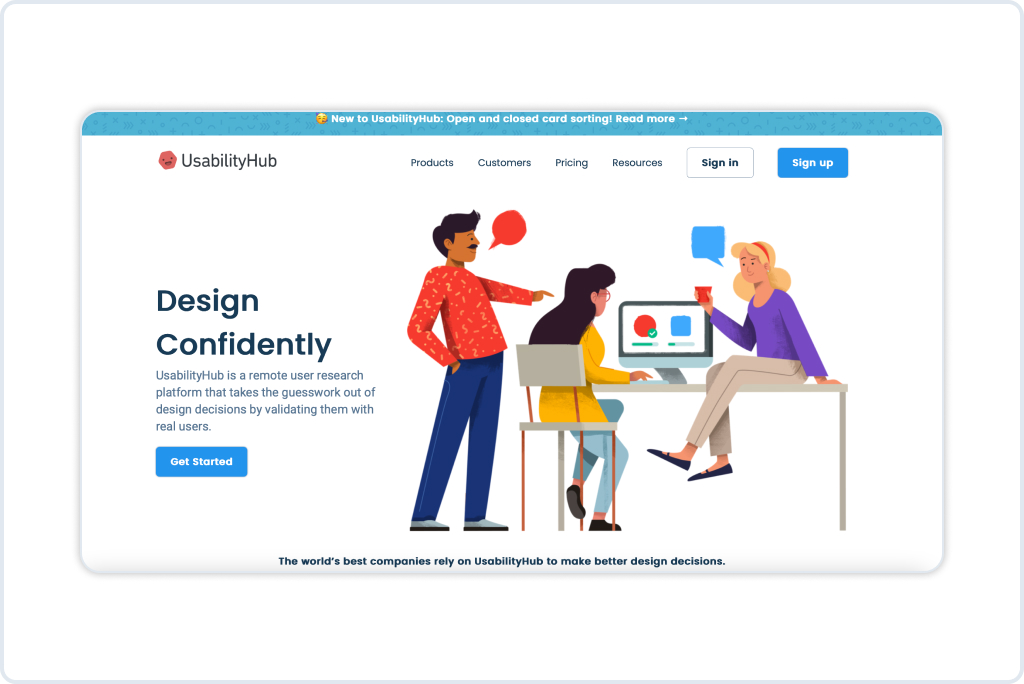
- UserTesting, UsabilityHub — platforms that provide genuine feedback from diverse audiences.
Pro tip: accessibility isn’t a “launch and forget” project. Bake it into your workflow. When adding a new feature, building a landing page, or redesigning, include accessibility testing in your QA process.
Shifting the Mindset: From Edge Cases to Innovation
Here’s a perspective shift that changes everything: accessibility features should be seen as powerful drivers of innovation rather than add-ons for rare scenarios.
Think about it. Voice search? Originally built for accessibility. Predictive text? Same story. Dark mode? Accessibility. Today, they’re mainstream features loved by millions.
Designing with inclusivity in mind often sparks improvements that benefit every user. In the long run, accessibility serves as both a foundation for inclusion and a catalyst for staying ahead of the curve.
Conclusion: Accessibility Is Growth
Expanding your customer base doesn’t always depend on bigger ad budgets or the next viral campaign. Sometimes, real growth begins with removing the friction that silently keeps people out.
Accessibility in web design and inclusive user experience are far more than trendy concepts. They are practical strategies that expand reach, improve usability, strengthen SEO, and build long-term trust with users.
That is exactly where EAA-2025: Website Accessibility Compliance and Assistant Tool comes into play. By combining an accessibility assistant with full website adaptation according to WAVE requirements, EAA-2025 helps businesses meet European Accessibility Act standards while unlocking measurable gains in engagement, conversion, and reach.
FAQ
Growth. You expand your customer base, earn trust, boost SEO, and future-proof your product. Accessibility isn’t just fairness. It’s smart business. The brands that understand this today are the ones that will dominate tomorrow.
That’s the classic myth. Sure, captions are vital for deaf users, but they also help the commuter watching a product demo on a noisy train. Bigger tap targets support people with motor issues, but they also save the rest of us from clumsy thumbs on mobile. Accessibility isn’t about a small group, it always expands into a better, more inclusive user experience for everyone.
By tearing down barriers. If your store works for more people, more people can buy. It’s that simple. One brand we worked with saw checkout conversions jump 18% after fixing contrast ratios and renaming form labels. Inclusive design isn’t charity, it’s ROI. It’s growth hacking, minus the gimmicks.
It depends on your region. In the U.S., courts apply the ADA to digital products. In Europe, the Accessibility Act sets standards. Even if the law hasn’t caught up in your country yet, it’s coming. Better to get ahead now than scramble later.
Search engines understand you better, customers bounce less, conversions rise, and legal risks stay minimal. The greatest advantage, however, lies in how people feel. In a world overflowing with options, genuine care for user experience builds a sense of trust and loyalty that no advertising budget can replicate.
Test it yourself. Put the mouse away and try navigating only with a keyboard. Fire up a screen reader like NVDA and “listen” to your site. Shrink your browser window. If you’re annoyed after five minutes, imagine the frustration of someone who has no choice but to use it that way. That’s your wake-up call.
Quite the opposite. Boundaries often spark innovation. Remember when voice search and dark mode felt like quirky extras? Both were born from accessibility needs. Now they’re mainstream. Building inclusivity into design often leads to features the market didn’t even know it needed.
Yes. Google’s crawlers experience your site in a way that’s surprisingly similar to screen readers. Alt text, transcripts, and clean code are not only accessibility improvements but also powerful SEO enhancers. One of the hidden benefits of accessible UX design is that your site climbs higher in search results while aligning with ethical design principles.
Far less than losing customers. Some fixes are almost free, such as clearer copy, alt text, and logical form labels. Others require development time, including ARIA roles and structured navigation. When compared to the potential loss of sales or the risk of an accessibility lawsuit, the investment quickly proves its value.
Then start small. Teach your designers the basics of inclusive user experience. Run automated audits. Invite a few diverse testers. Accessibility isn’t a one-off project, it’s a habit. The earlier you start baking it into your workflow, the easier it gets.