Almost every email sender sends dozens of emails a day without even thinking about adding a signature. This is the opportunity the sender is actually missing. An email signature is probably the last thing you think about, but if done correctly, someone definitely considers it a deciding factor in whether to reply, click, or move on.
In 2026, a professional email signature generator makes it much easier to create something that actually reflects your brand’s position and identity. Let’s learn about what exactly it is and what the best email signature generators are.
What Is an Email Signature Generator?
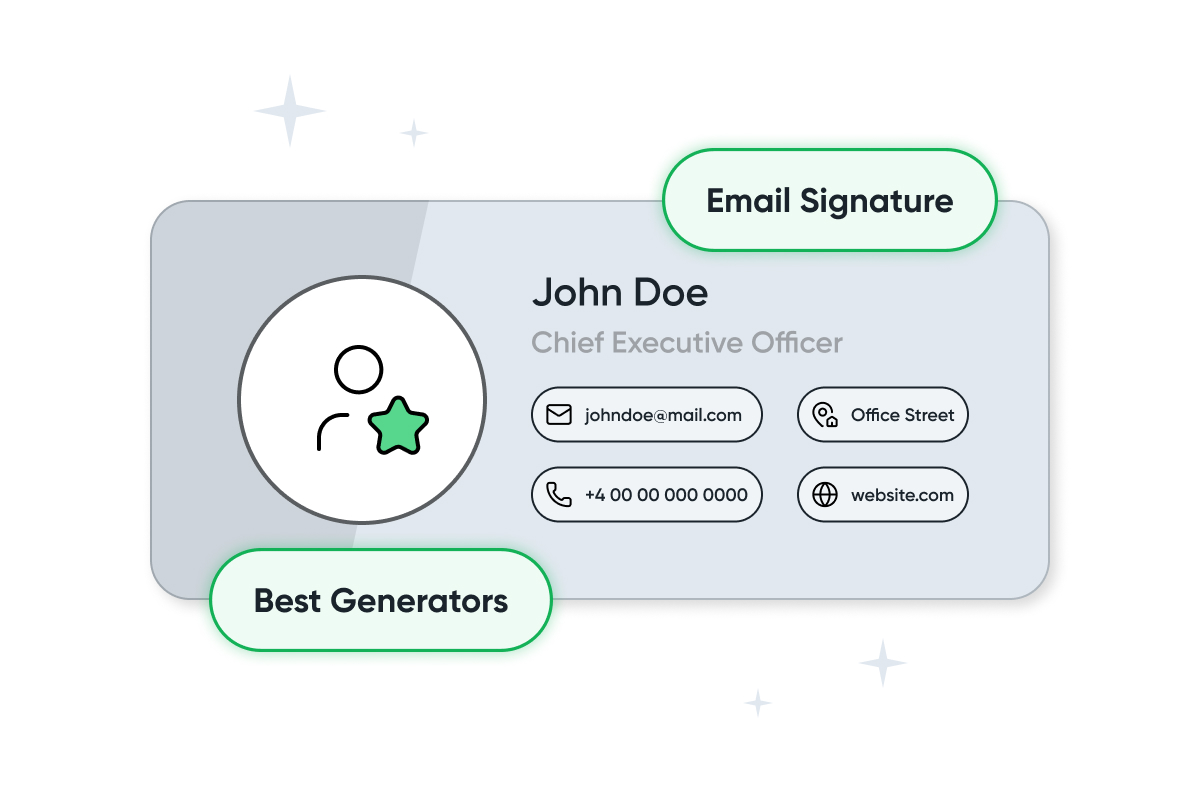
Email is part of how you convert, so the small stuff matters, and an email signature generator is one of the best online tools that lets you create a formatted signature block without extra coding to help you convert leads. Add your name, title, phone number, logo, and social links, and the tool will create the signature for use with major platforms like Gmail, Outlook, or Apple Mail.
If you are looking for email signature templates for 2026, there are many that are not just mobile-responsive but can also be applied across different platforms. Some also allow you to go further by adding banners or CTAs. Hence, the signature quietly does a little marketing work every time you hit send.
Top 5 Email Signature Generators
When it comes to deciding on a business email signature generators, here are some of the options you can consider.
-
Stripo Email Signature Generator
Stripo email signature generator tool gives you a large library of clean and ready-to-customize templates. Here you can get a real-time preview of the signature across email clients. The generator allows for exporting the same signature across all major platforms and is free to start.

These features make it a practical option for freelancers and growing teams who need a solid business email signature generator without having to opt for a paid or complex option at first.
-
HubSpot Email Signature Generator

HubSpot’s free builder is easy to use and quick. The tool also works well for sales teams already in the HubSpot ecosystem. All you need to do is pick a layout, fill in your details, add a headshot, and add social icons. Now, you are done in under five minutes.
-
WiseStamp Email Signature Generator

WiseStamp allows for the embedding of dynamic content within a signature. For example, a whole blog post or a promotional banner, directly into your signature. If you choose paid plans, you can access features such as additional team management. This turns out handy for rolling out consistent signatures across a larger group.
-
MySignature

MySignature has a solid template library and a clean editor that works well in both Gmail and Outlook. The built-in email open and click tracking is a useful bonus for sales professionals who want to know what is getting attention.
Key features:
- Multi-client compatibility: Works smoothly with Google Workspace and Microsoft 365. Gmail, Outlook, Apple Mail, Office 365, Thunderbird, and other common email services
- Template-driven builder: A curated template set plus an editor designed for quick, clean signature setup
- Marketing-ready elements: Add CTA buttons, clickable banners, landing-page links, and social media icons without breaking formatting
- Team rollout tools: Deploy and standardize signatures for Google Workspace and Microsoft 365 users
- Gmail tracking add-on: Monitor opens and link clicks through a browser extension
- Performance reporting: View engagement across links, images, and banners in a single dashboard
- AI visual enhancer: Generate design variations from your current signature (layout and color adjustments) while keeping user data intact
- Digital business cards: Create a shareable profile for use beyond email
-
Newoldstamp

Newoldstamp is built for leading teams that need proper and centralized control over their email signatures. You get a single dashboard to easily manage everything, and the updates are also sent to teams.
How to Choose the Best Email Signature Generator
Before you go out and find the best email signature generator, here are a few things to keep in mind.
- Consider compatibility first. You can get a good preview of the signature, but it will impact your brand image if it breaks in the final results.
- After that, consider the template quality. Good email signature templates for 2026 should be mobile-responsive and easy to adjust according to your brand colors and fonts.
- If you want to manage a team, centralized control matters more than individual features.
- You want a tool that lets you push one update rather than chasing twenty people. For eCommerce teams already running marketing automation, check whether the tool fits your existing workflow.
- If you are looking for the best email signature generator with a free plan, there are multiple options. Test it before paying for features you might not use.
Conclusion
Every email you send gives you a chance to promote your name and brand and to ensure credibility. Using a professional email signature generator to get that right takes less than half an hour and pays off every day after.
Among all the options out there, Stripo is a strong place to start. Its templates are uniquely designed and work across different platforms. You can even try out the free version, which is genuinely useful. Set your email signature today and start making an impression at the first chance.